> ## Documentation Index
> Fetch the complete documentation index at: https://docs.readmeliora.com/llms.txt
> Use this file to discover all available pages before exploring further.
# How to submit a bug
> Use the support widget when something goes wrong.
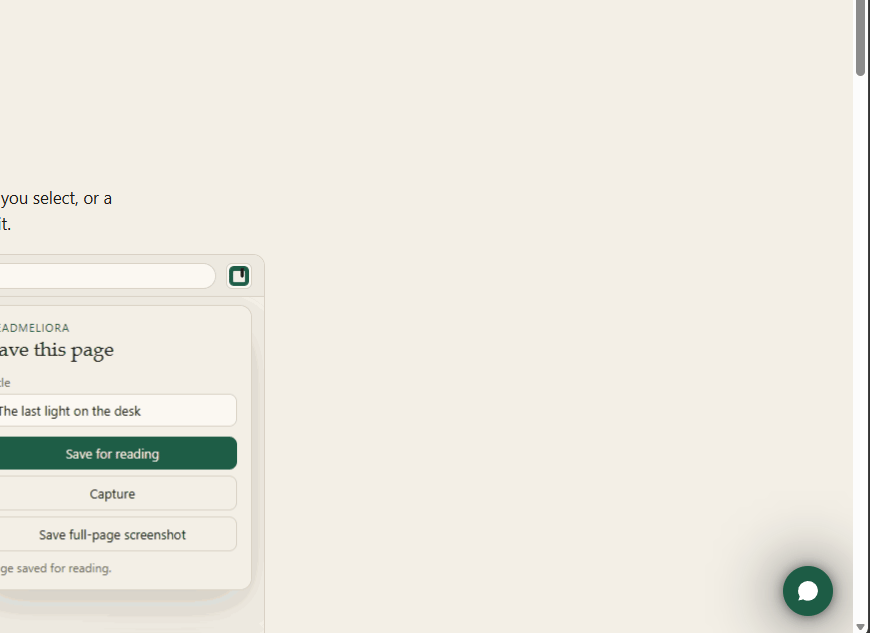
ReadMeliora is in beta, so something may not work the way you expect. The support widget is the green chat button in the bottom right corner of every screen.
Choose the green chat button in the bottom right corner.
Say what you were doing, what you expected, and what you saw instead. Include the page you were on if you can.
## Support Widget Location